Use Search Console's Generative AI report to find pages worth inspecting, then connect that review to a buyer decision. An impression can show exposure in Google's AI features. It does not establish a visit, an enquiry or a sale, so keep those stages separate in the client conversation.
For an agency, the practical opportunity is to ask whether the pages receiving exposure help a relevant customer move forward. A general guide and a quote page can both matter, but they do different jobs. Start with their purpose before celebrating the largest number.
What is the Generative AI performance report?
Google's report documentation covers impressions from AI Overviews and AI Mode, with page, country, device and date views. It is not a query or click report. Google notes that low volume can prevent the report from appearing. The launch announcement explains that this exposure is included in overall performance data, so do not add it again to create a bigger search total.
Use the exact scope described in the current interface and help page. Do not describe it as a combined measure of ChatGPT, Claude, Perplexity and Google's experiences. A first-party Google report and an independently collected question test answer different questions.
What should I do first?
Select the correct property and a clear date range. Save the filters with the export. Start with the Pages view and group URLs by business purpose: service, product, pricing, booking, guide, support or another relevant role. That makes the discussion understandable to the client.
Check the actual URL before proposing work. A page may redirect or be represented by a canonical URL. A row's absence from a limited or filtered export is not proof that the page never appears. Keep unavailable and unreviewed pages distinct from a confirmed content gap.
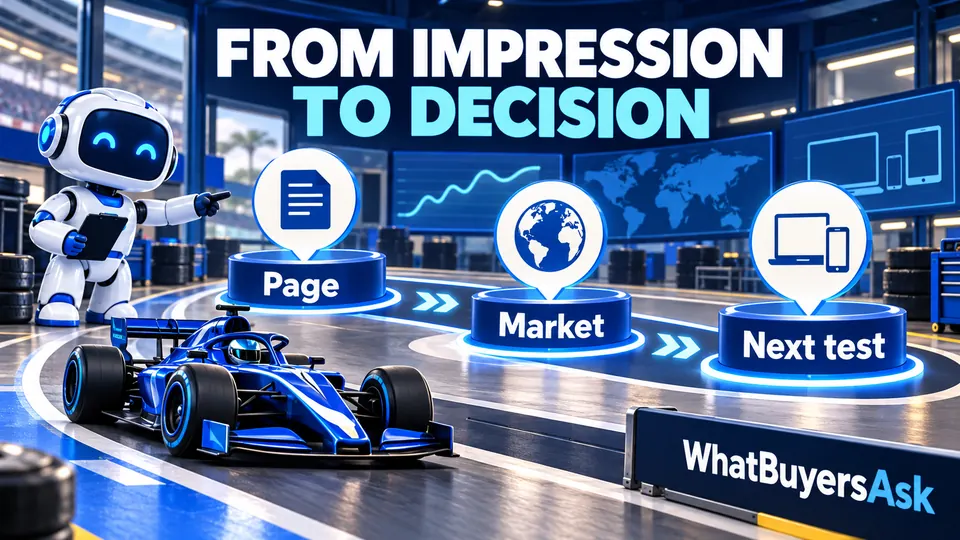
From impression to decision: Page, Market, Next test.
How do I turn the page list into a useful plan?
For each important URL, write down the buyer decision it supports. Use actual enquiries where available and label your own example questions as illustrative. An emergency service page might support availability and initial-contact questions; a pricing guide might explain what changes a quotation.
Then inspect the page with that decision in mind. Does it explain the service clearly? Are the relevant facts current? Can a phone user reach an appropriate next action? A high-impression article that cannot guide a relevant reader to the service may offer a useful improvement opportunity.
Keep a worksheet with the page, business purpose, buyer need, coverage reviewed, proposed action, owner and review date. Include a link to the supporting evidence. This gives a client a concrete plan instead of an unexplained “AI score.”
Can the report tell me the exact question behind an impression?
Do not reconstruct a specific conversation from the page row. Use it to choose a new, separately labelled inspection. If you test related buyer questions in AI Mode later, save their full answers, source links, dates and conditions. They are new observations, not a replay of the original visitor's experience.
Use the conversational-query guide for a separate review of available query rows. Long wording can reveal useful needs, but it does not by itself identify the originating search feature.
What if the report is missing?
Record the date, property and what the interface shows. Review the official explanation and relevant inclusion settings. A missing report should remain unavailable in the client worksheet; do not turn it into a numeric zero or a claim that the site has never appeared anywhere.
Google's current Search generative AI control offers Include, Exclude and parent-inheritance choices under Settings. Check the applicable property and parent before making a recommendation. The documented control is separate from blocking all Google Search access. Any setting change should follow the client's authorised process.
Which pages should we improve first?
Choose a real business need and inspect the existing content before commissioning a replacement. A service page with confusing scope, an expired offer or an unclear enquiry route can deserve attention even if a general blog post has more impressions.
Compare the overall search page inventory with the AI report using the same period and an explicit method. Use differences as inspection candidates. Do not assume that a page missing from one export needs to be rewritten or that an impression gap has a single cause.
For each selected task, collect approved facts and keep the explanation close to the decision: service, fit, area, relevant cost factors and next step. Use actual evidence and review appropriate professional claims. A new page should add something a buyer needs, rather than repeat a nearby page with a different title.
How should I read the chart and table together?
Respect the report's aggregation rules. Google's documentation distinguishes property-level chart totals from page-level views, so they need not match. Keep the selected filters and dimensions beside exported numbers. A spreadsheet that silently adds unlike totals can make exposure appear larger than it is.
Avoid treating the newest movement as a durable result before checking the report's data status. Record the comparison period and relevant site changes. A time trend can guide investigation; it cannot alone show why the result changed.
How does this relate to visits and business outcomes?
Use GA4 and enquiry reporting alongside the exposure review. Keep their definitions, dates and limits visible. A rise in impressions with no increase in enquiries may prompt a page or audience review, rather than a claim that the business gained customers.
For a monthly client discussion, show a few important pages, the buyer needs they support, the changes made and the next test. Include recorded enquiries or bookings where the business can verify them. Do not imply a user-level link between systems when you only have aggregate trends.
What are AI impressions?
They are exposure counts under the report's documented rules. Keep them separate from clicks and visits when describing business performance.
Does the report cover all AI assistants?
No. Use its stated Google Search scope. Research on another service needs its own method, questions and saved evidence.
How do I opt out of Google's AI features?
Review the current Search generative AI control and its inheritance rules with the authorised site owner. Do not change access or training settings on the assumption that all controls have the same effect.
Can the report tell us which content to write automatically?
It can identify pages for inspection. A useful brief still needs a verified service, buyer need, current page review and reliable information from the client.
How can WhatBuyersAsk add to this review?
It helps agencies choose 40 critical questions for the agreed client scope and inspect saved answers and evidence. Keep that research's actual models and question baseline visible alongside the separate Google report. The aim is a useful next decision, not an inflated combined total.
Turn the report into a focused conversation about the next buyer. Read how research works, create your agency workspace, or sign in to continue.