Client research should remain client work.
Review how client workspaces, server-side access and research records are handled. Use the documented controls and their limits to decide which security questions your team needs answered.
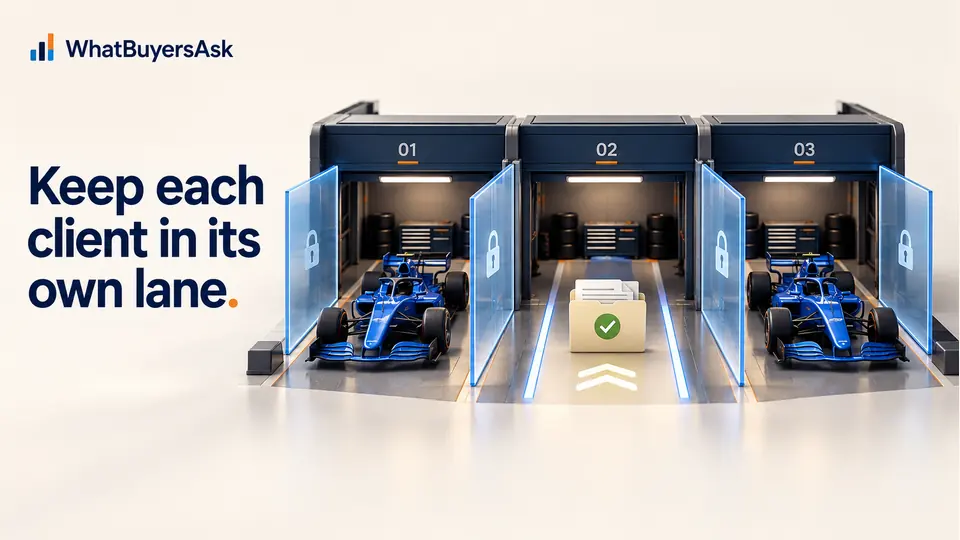
Tenant and client separation
Clear boundaries by design.
- Why act now
- Client findings need a clear boundary between workspaces.
- The wrong context can make research difficult to review.
- A better position
- Each client project is handled within its own scope.
- How it helps
- Review the documented separation and access approach.
- The work can remain tied to the intended client.
- Business benefit
- The team can ask more specific procurement questions.
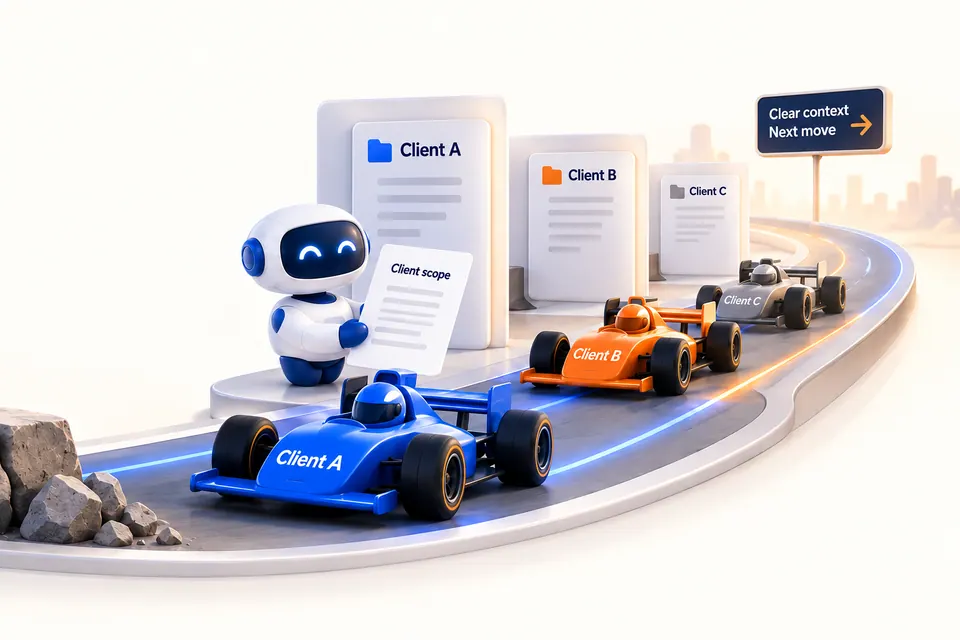
Review the steps and detail in this section, then ask to inspect an example relevant to your business.
Get startedAuthorised user
Access granted to the appropriate workspace only.
Agency tenant
Manage people, billing and settings across clients.
No cross-client viewClient workspace
Keep data, research and reports together for one client.
No cross-client viewResearch job
Run with approved permissions and scope.
No cross-client viewApproved service boundary
Allow access only within the intended workspace.
No cross-client viewServer-side data access
- Why act now
- A browser view alone does not explain how private records are accessed.
- A security review can miss the access checks behind the interface.
- A better position
- The review considers the documented server-side controls.
- How it helps
- Inspect the access, file handling and provider-control descriptions together.
- The team can understand what each control is meant to do.
- Business benefit
- The next security question can be specific and useful.

Review the steps and detail in this section, then ask to inspect an example relevant to your business.
Get startedResearch tasks run from our servers using approved connections. Client credentials are never shared with the platform or other clients.
- Connections established per workspace
- Least-privilege access for each task
- No credential reuse across clients
Private Search Console files
Search Console files are uploaded privately within the client workspace and are not visible to other clients or the agency portfolio.
- Stored in the client workspace only
- Access limited to authorised users
- Used only for approved research jobs
Controlled AI-provider access
AI-provider use is limited to approved tasks, documented data fields and reviewed provider terms.
- Approved task and provider list
- Data minimisation requirements
- Training and retention terms documented
Resumable, auditable research
Every research job is logged so work can be reviewed, resumed and explained.
- Audit events recorded for key actions
- Visibility into who did what and when
- History retained within the workspace
Security facts
Our current approach—and what we are still documenting.
- Why act now
- A security label can sound broader than its documented meaning.
- Procurement can proceed with an assumption that still needs checking.
- A better position
- The decision uses stated facts and their scope.
- How it helps
- Review the published facts and ask about the control your process requires.
- The conversation can focus on the actual requirement.
- Business benefit
- The team can decide what further evidence it needs.

Compare the example rows and supporting detail above with the question you need to answer.
Get started| Topic | Current approach | Customer question | Documentation |
|---|---|---|---|
| Data boundariesHow data is isolated | Design target: workspace isolation | How do you prevent cross-client access? | Document before launch |
| Access controlHow access is granted | Operational detail to validate | How do you manage user permissions? | Document before launch |
| Data handlingHow data is collected and used | Control to verify before launch | What data do you process and why? | Document before launch |
| IntegrationsThird-party services | Provider list to document | Which services do you use? | Document before launch |
| MonitoringHow we monitor activity | Operational detail to validate | How do you detect and respond to issues? | Document before launch |
| Backups & recoveryHow we recover data | Operational detail to validate | How do you handle backups and recovery? | Document before launch |
| Incident responseHow we respond | Process to document | How will you handle a security incident? | Document before launch |
| Policy & trainingPeople and processes | Control to verify before launch | How do you train your team? | Document before launch |
| Change managementHow changes are controlled | Process to document | How do you manage system changes? | Document before launch |
Buyer asks, answered.
How is client data kept separate?
WhatBuyersAsk is designed around agency tenants and private client workspaces. Each research job uses the approved client context and scope. Production enforcement and documentation must be verified before launch.
Who can access my data?
Access is intended for authorised users in the relevant agency or client workspace. The final permission model and operating controls must be documented before launch.
Do you train AI models on our data?
We do not make an unverified training claim. AI-provider use, data fields, retention and training terms must be documented for each approved provider before launch.
Can we control access to our Search Console data?
Search Console files are intended to stay inside the client workspace and be used only for approved research jobs. Final access controls must be validated before launch.
Can we review or export audit logs?
Research jobs are designed to record key actions so work can be reviewed and explained. Export scope and retention must be confirmed in the final operating documentation.