Real research behind your next sales decision.
Your next buyer could find a competitor first. We research the questions that influence the sale, inspect your website and cited sources, compare the evidence and deliver a prioritised page plan, report and AEO package.
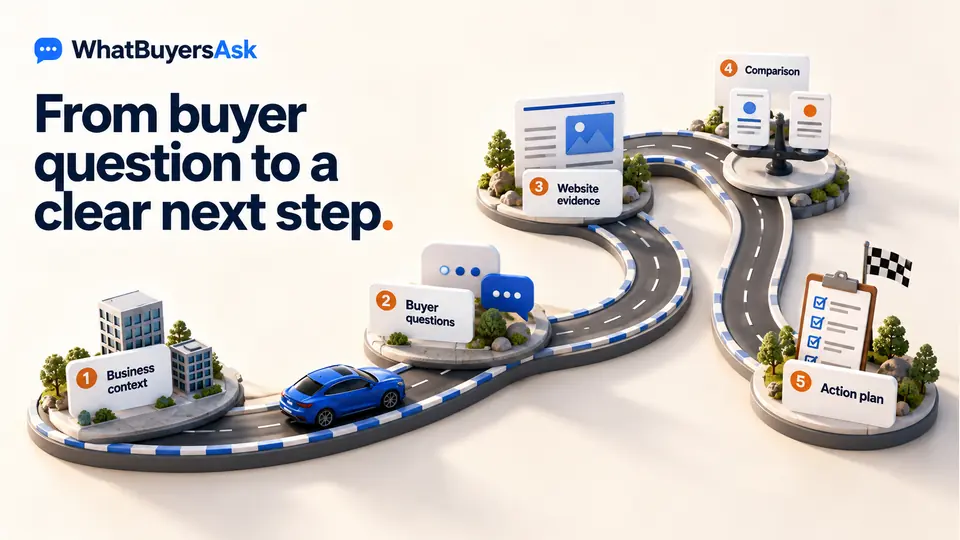
How Buyer Asks become a plan to win more business
Full research has 14 stages. First confirm your business brief, market, research sources and selected competitors. The run saves its findings as it progresses; some independent checks run together. The sequence below explains the work and the output at each stage.
- Why act now
- A buyer question is easy to miss when research stops at a content idea.
- Your next buyer can find a clearer competing answer first.
- A better position
- Fourteen saved research stages lead to evidence, priorities, a report and an AEO package.
- How it helps
- Inspect the question set, reviewed pages, citation tests and source evidence.
- The proposed page action can be traced back to its research.
- Business benefit
- Your team can choose content work that supports the next sales conversation.
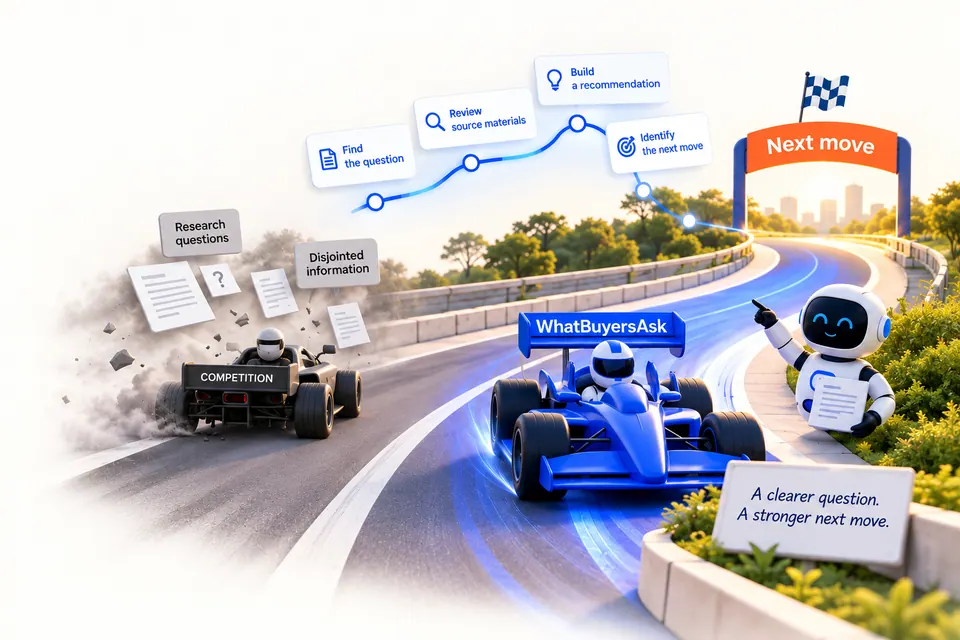
Review the steps and detail in this section, then ask to inspect an example relevant to your business.
Get startedFind Buyer Asks
Match your business, audience and buying priorities to the question-pattern library. Generate and deduplicate a full-run candidate set, targeting 300–500 relevant questions, then select 40 Recommended Asks for detailed research.
Build the website inventory
Discover and normalise your website URLs, fetch eligible pages and save their content within the run’s configured limits. Record which pages were accessible and which could not be inspected.
Check website readiness
Inspect AI-readable text files, Markdown pages, attribution, sitemap discovery and MIME types. Save passing checks, failures and repair suggestions separately from answer quality and citation performance.
Add available search evidence
Use connected, saved Search Console queries and page-performance data where available. Relate those signals to buyer questions and pages; an unconnected or unavailable source stays unavailable.
Select pages for detailed review
Use the saved inventory and available search evidence to choose the bounded set of client pages for deeper work. Keep the distinction between pages discovered and pages selected for review.
Review what your pages actually answer
Read the selected page evidence against the Recommended Asks. Assess whether the answer is clear, partial or missing, retaining the source text behind the assessment.
Test client citations in two modes
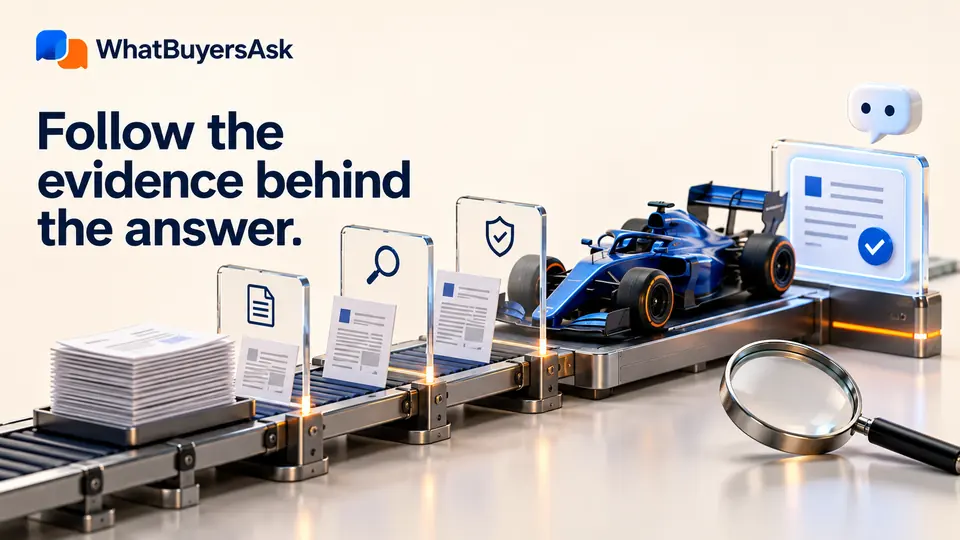
Test the Recommended Asks with the configured research models, both without your website supplied and with it supplied. Save the answers and returned URLs, then fetch cited pages to check the evidence.

Research the selected competitors
Reuse the same saved unaided answers as a common baseline. Test the questions with each selected competitor’s website supplied, inspect the cited pages and retain relevant independent publishers.

Compare the supporting evidence
Assess fetched sources for directness, completeness, proof and usefulness. Compare client and outside answers question by question, retaining source passages and review decisions. Incomplete evidence does not become a competitor win.
Calculate improvement priorities
Combine business value, improvement need and available page-demand evidence using a fixed calculation. Prefer improving an existing answering page; suggest new content when no suitable reviewed target is found.
Check research completeness
Validate the required question, model, sample and comparison records. Keep unavailable results and evidence that needs review visible. Missing technical results stay unscored rather than becoming measured zeros.
Turn findings into page recommendations
Group related questions around the same page or new-content theme. Save proposed edits, placement, rationale, proof requirements and review dates, with linked content-brief guidance. Articles are created later when you choose.
Generate the client report
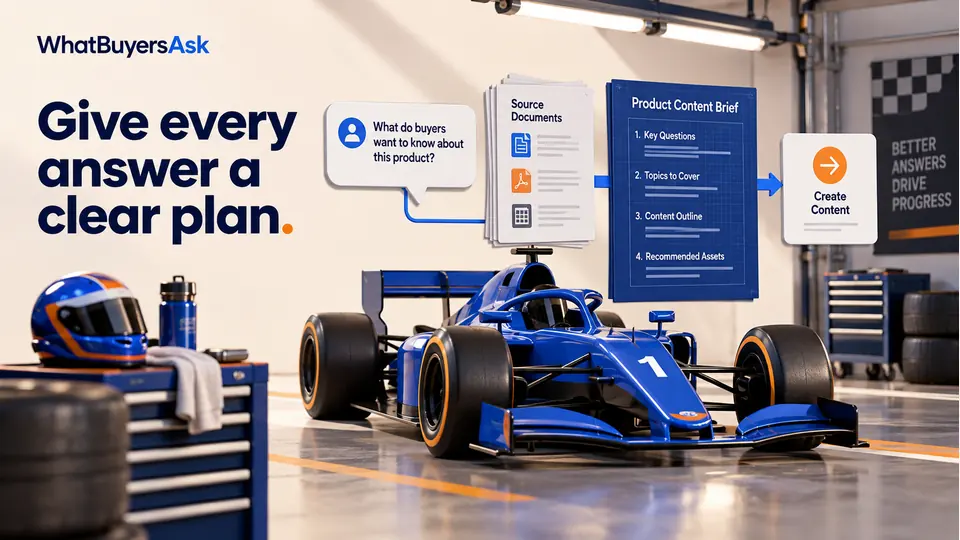
Assemble the saved question findings, answer coverage, citation evidence, priorities, page actions and readiness checks. Include comparisons with previous research when the settings and question cohort support them.
Create the website AEO package
Package eligible saved client pages with a grounded business introduction, llms.txt, Markdown, discovery files, schema sidecars and website-knowledge/WebMCP assets. Include installation instructions for your website team.
How this improves your chances of winning
- Why act now
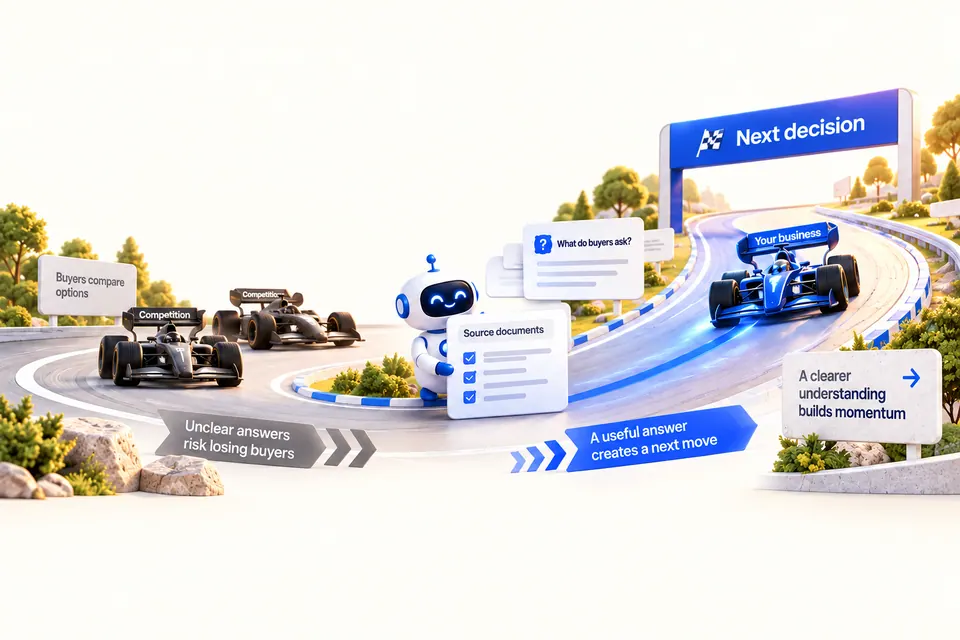
- A visibility score alone does not explain what your sales team should do.
- Content effort can miss the doubts holding up a purchase.
- A better position
- Questions, evidence and page priorities give the team a reviewable plan.
- How it helps
- Use the research report and recommendations to define the next page change.
- The work has a named target and supporting evidence.
- Business benefit
- You can track qualified enquiries and revenue separately from citation observations.
Review the steps and detail in this section, then ask to inspect an example relevant to your business.
Get startedResearch the questions behind the sale
Work from a saved 40-question cohort rather than a loose list of content ideas. Use the question and its evidence to explain why a page deserves attention.
Show the evidence behind the recommendation
Inspect the saved answers, fetched sources and page assessments. Separate a brand mention, a supported citation and an explicit recommendation.
Give your team a concrete page plan
Connect a priority to an existing URL or proposed page, the questions it must answer, the proof it needs and the next writing or editing action.
Connect the work to sales and revenue
Use the findings to improve buying clarity. Track qualified enquiries, opportunities and attributable revenue alongside visibility; a citation or priority score is not a sale.
Buyer asks, answered.
What research do you actually carry out?
Full research has 14 stages: question discovery, website inventory, readiness checks, available search evidence, page selection, client page review, two-mode citation tests, competitor research, evidence comparison, prioritisation, quality review, recommendations, report generation and an AEO package. Each stage saves its findings or records what was unavailable.
Are these questions real buyer searches?
The questions are generated from your business context and retrieved buyer-question patterns, then normalised, deduplicated and prioritised. They are research questions, not proof that an identified person asked each one. Connected Search Console evidence is separate; pattern frequency is not measured search volume.
How many questions do you research?
A full run targets 300–500 candidate Buyer Asks and selects 40 Recommended Asks for detailed work. Counts of discovered pages, page-question reviews, citation tests and verified sources describe different work. Historical runs can retain their original configuration.
What do the two citation test modes show?
One mode asks without supplying your website; the other supplies it as a discovery seed. Answers, configured model identities and cited sources are saved separately. These are observations from the run’s models, country and samples, not continuous monitoring of every answer in ChatGPT, Perplexity or Google AI Overviews.
How are business value and priority calculated?
Business value is an AI assessment of relevance to your business, not measured revenue. Priority combines 25% business value, 65% improvement need and 10% available page demand. Missing client evidence can leave a priority unscored. An incomplete competitor benchmark does not establish a competitive advantage.
What counts as a supported citation?
The workflow checks specific content URLs returned in the AI answer, fetches the pages and assesses their support for the Buyer Ask. A brand mention is not a citation. Homepages and supplied base URLs do not receive content-citation credit. Unavailable sources remain marked for review.
What will my team receive?
You receive saved research evidence, page-level recommendations and brief guidance, the client report with PDF download, and an AEO ZIP when its stage completes. The package uses eligible saved client website content and includes installation instructions; it does not install itself or publish articles to your website.
Does the research guarantee sales, revenue or AI visibility?
No. It gives your team evidence and prioritised content work to support buyer decisions. Track qualified enquiries, sales opportunities and attributable revenue separately from answer coverage and citations. Readiness files and research scores do not guarantee selection, rankings or revenue.
Put research behind the next page your sales depend on.
Bring one business, its market and the questions delaying a purchase. See the evidence, page priorities and deliverables your team can put to work.